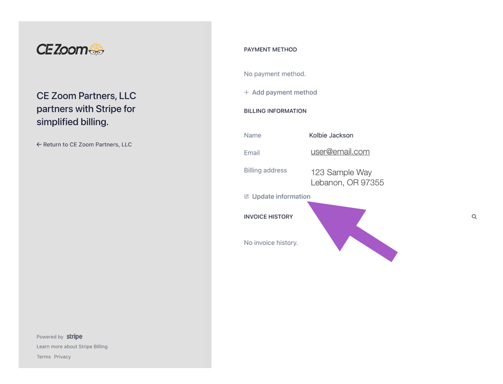
Note About Keeping Payment Methods Current
Pro and Elite Members:
If you are on the Pro or Elite Plan, please make sure your payment method stays current to avoid any service interruptions or accidental membership cancellations. Failure to update may also result in the loss of your grandfathered pricing.
How to Update Payment Method
All updates are securely processed through Stripe and automatically applied to future renewals.
-
Log in to your CE Zoom account.
-
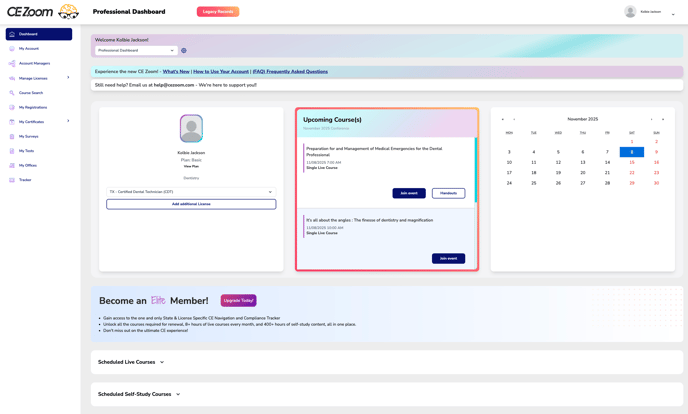
Navigate to your Dashboard
-
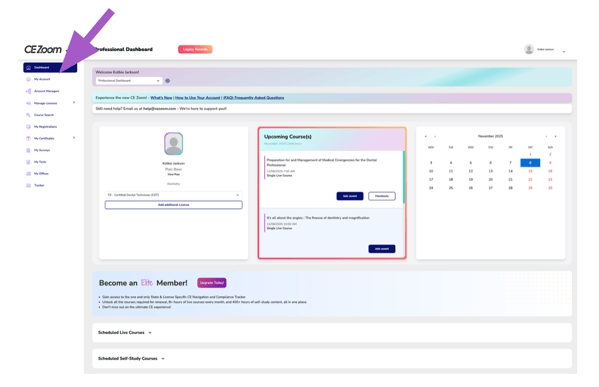
From the Navigation Menu, Click on My Account
-
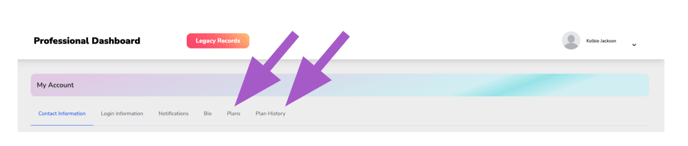
Click either the Plans or Plan History filter.
-
Click Update Your Payment Methods | View Receipts

-
A secure Stripe window will open where you can add, edit, or remove your saved payment cards.
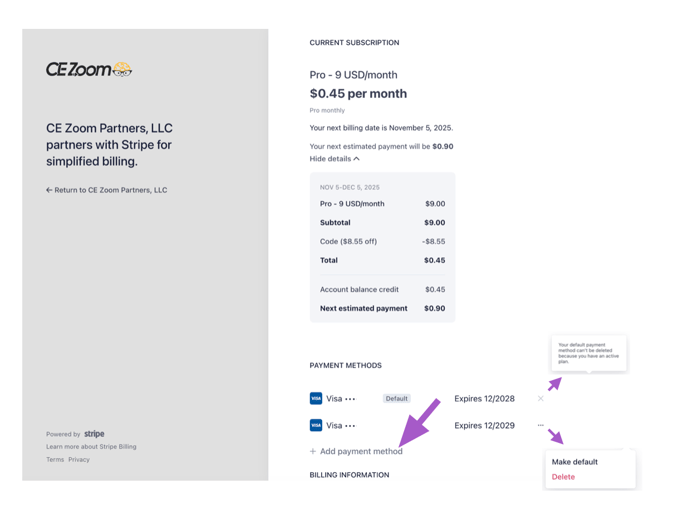
If you have no card on file, you will only see the ability to update your personal info