How to View Your Receipts
All membership payment receipts are securely stored in your Stripe profile and can be accessed anytime through your CE Zoom account.
-
Log in to your CE Zoom account.
-
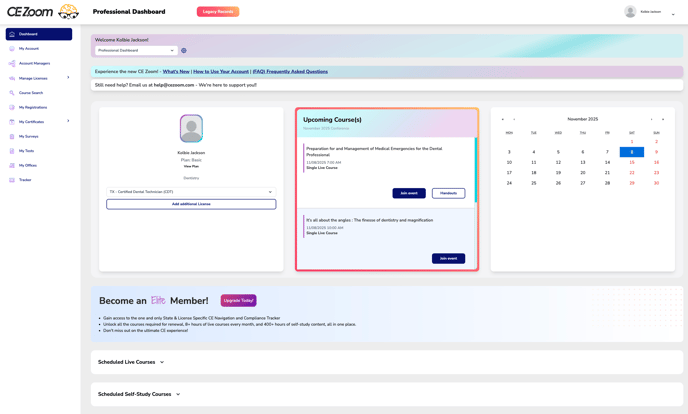
Navigate to your Dashboard
-
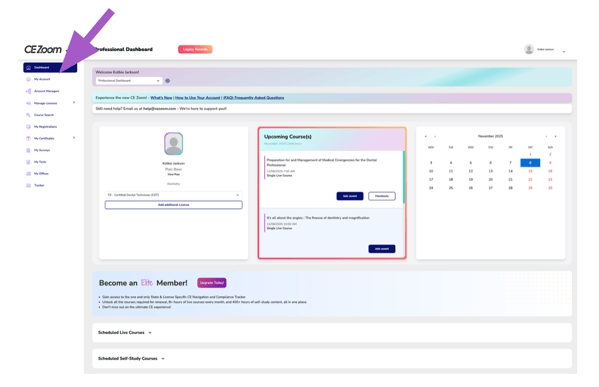
From the Navigation Menu, Click on My Account
-
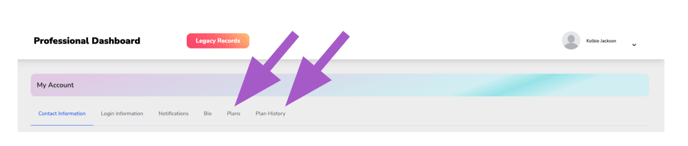
Click either the Plans or Plan History filter.
-
Click Update Your Payment Methods | View Receipts

-
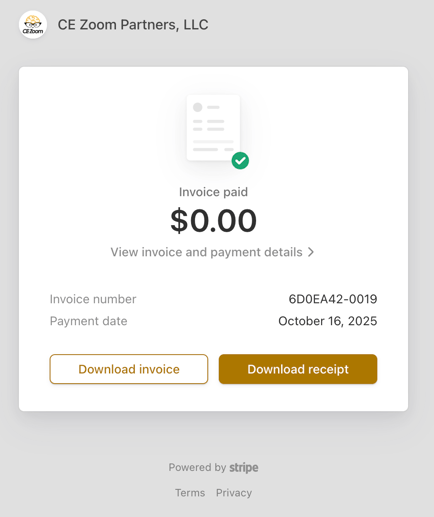
A secure Stripe window will open where you see all receipts. Scroll down to Invoices
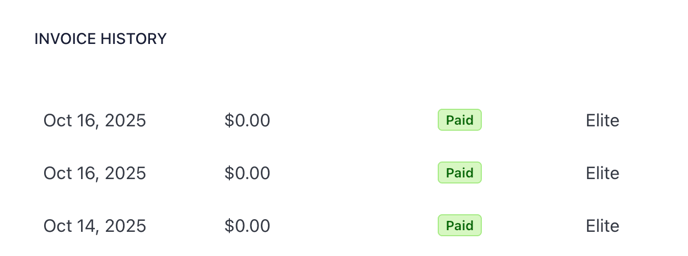
- Click on any invoice to open the detailed view in Stripe (as shown below). From here, you can download the invoice or download the receipt for your records.