-
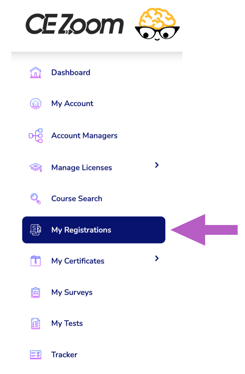
Click "My Registrations" from the left navigation menu.
-
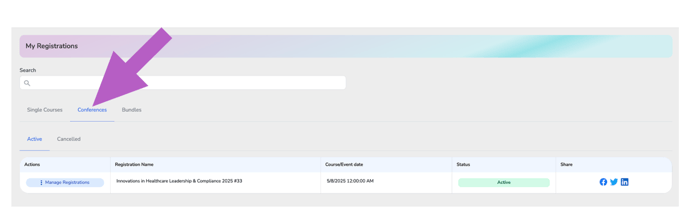
Select the type of event you wish to view the confirmation page for by clicking the appropriate tab — Single Courses, Conferences, or Bundles
-
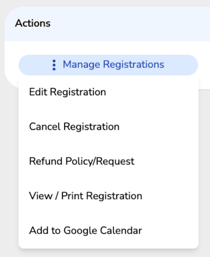
In the Actions column, hover over “Manage Registrations” for the event you want to edit to expand the dropdown menu
-
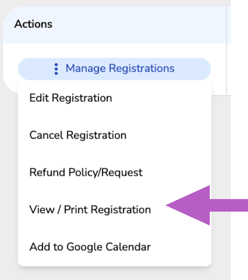
Click “ View/Print Registration” from the dropdown.