
How to Update Your Password
To keep your account secure, it's a good idea to update your password regularly.
To change your password:
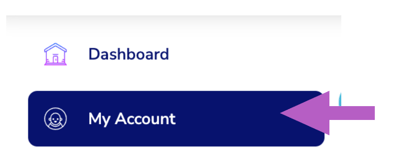
- From the navigation menu, click My Account
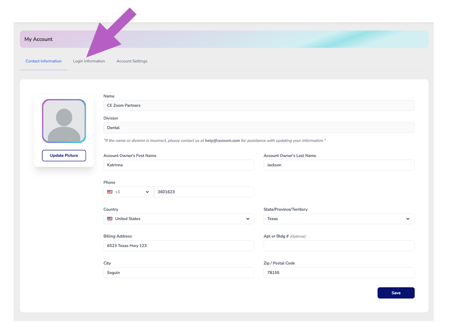
- Click on the login information tab
-
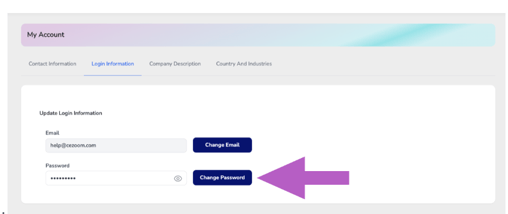
Click the “Change Password” button
.
-
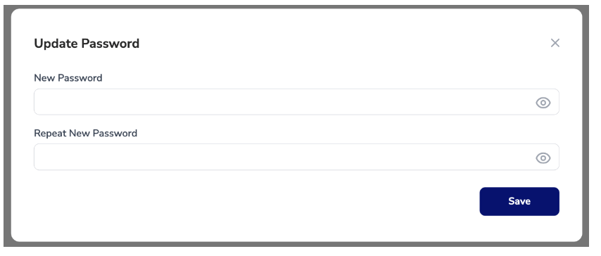
Enter your current password, then your new password.
-
Click save to confirm the new password.
Use a strong password with a mix of letters, numbers, and symbols for the best security.