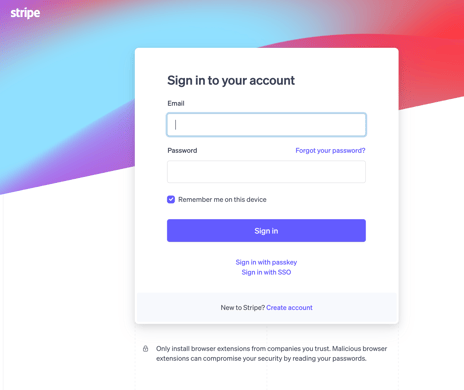
- Log into your CE Zoom account (www.cezoom.com)
- From the Company Dashboard on CE Zoom.
- Find "Registration Manager" in the left menu and hoover over to expand.
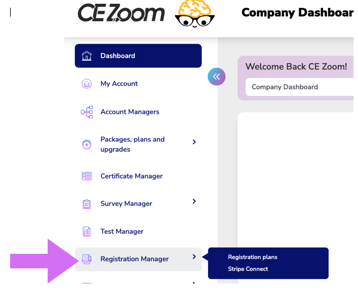
- Click "Stripe Connect" to begin the setup process.

- Find "Registration Manager" in the left menu and hoover over to expand.
- Click Disconnect
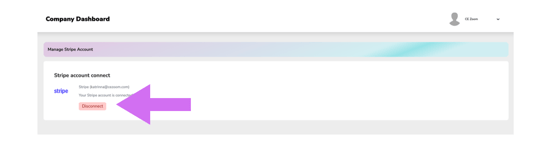
- You will be directed to Stripe to log in and complete the disconnection through stripe