
Executive Dashboard Cards
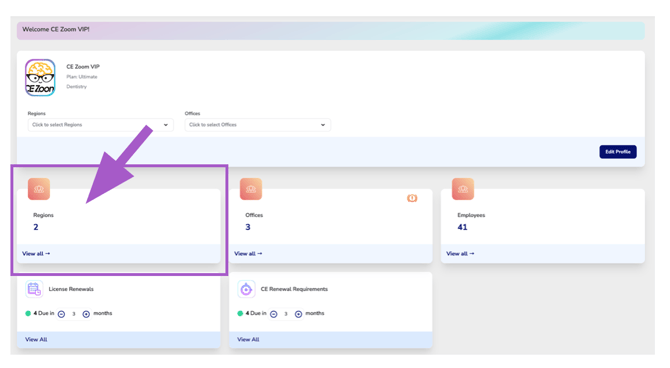
Regions
The Regions Dashboard Card displays the total number of Regions configured within your organization. When one or more Region filters are applied from the Organization Overview, the card updates to display only the selected Regions.
Regions allow you to organize multiple office locations into larger geographic or organizational groups. For example, you might create Regions based on states, territories, districts, or any other grouping that best fits your organization.
Select View All to open the Region Manager, where you can view, create, edit, and manage your organization's Regions.