
Organization Overview
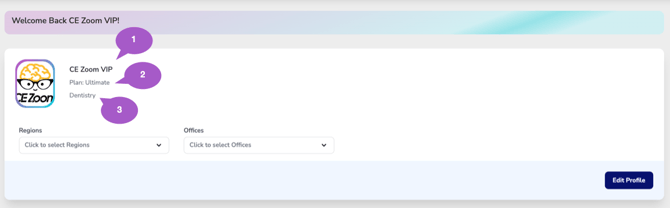
The top section of the Executive Suite Dashboard displays your organization's profile information, including:
- Organization Name
- Subscription Plan
- Industry
This information identifies the organization currently being viewed and confirms the Executive Suite environment you are managing.
Organization Filters
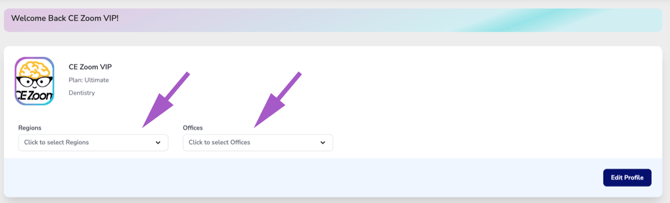
The Executive Suite Dashboard includes Region and Office filters that allow you to control which organizational data is displayed throughout the dashboard.
By default, all Regions and all Offices are selected when you log in, providing the broadest, organization-wide view of your data.
Selecting one or more Regions or Offices automatically filters the statistics displayed throughout the Executive Suite Dashboard, allowing you to focus on a specific geographic area, office location, or subset of your organization.