Executive Dashboard Cards
Offices
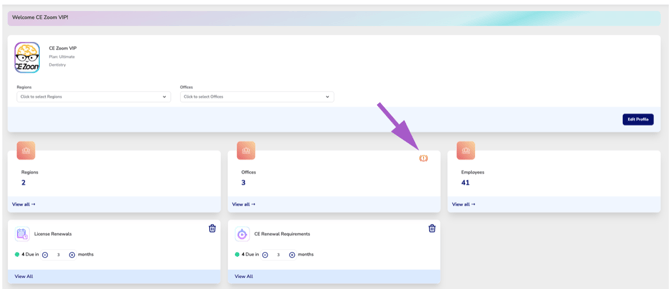
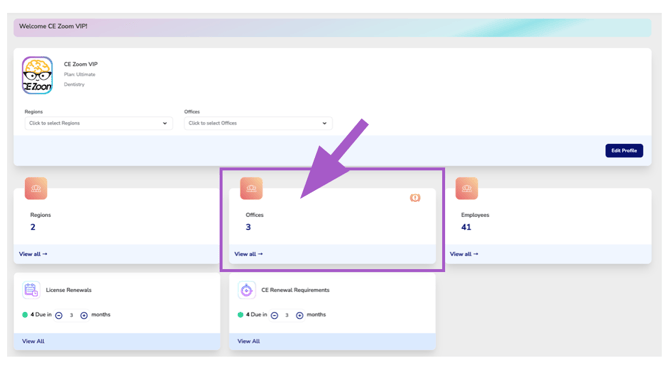
The Offices Dashboard Card displays the total number of Office Locations configured within your organization. When Region or Office filters are applied from the Organization Overview, the card automatically updates to display only the offices included in the current selection.
Office Locations represent the individual physical locations within your organization where employees work. Each office can be assigned to a Region, making it easier to organize, manage, and report on locations across your organization.
Employees are connected to their associated Office Locations, allowing the Executive Suite Dashboard to provide compliance statistics and organizational insights at the Office, Region, and organization-wide levels.
Select View All to open the Office Manager, where you can view office details, manage Office connections, assign Office Locations to Regions, and maintain office profile and contact information.
Notification Icons
Appears when you have one or more pending connection requests.Select View All to open the Office Manager, then navigate to the Pending card and select Requests Received. From there, you can review each pending request and choose to Accept or Deny the office connection request.