Employees
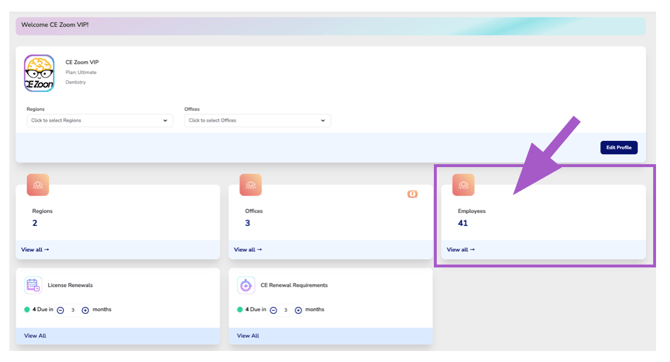
The Employees Dashboard Card displays the total number of connected employees within your organization. When Region or Office filters are applied from the Organization Overview, the card automatically updates to display only the connected employees within the current selection.
Connected employees are individuals linked to an Office Location within your organization. This organizational structure allows the Executive Suite to monitor professional licenses and continuing education while gaining compliance statistics and renewal activity at the Office, Region, and organization-wide levels.
Connected employees also receive benefits based on your organization's Executive Suite subscription:
- Executive Suite Essentials: Connected employees receive an Ultimate CE Tracker for each connected license managed by your organization.
- Executive Suite Ultimate: Connected employees receive an Ultimate CE Tracker for each connected license, plus unlimited access to CE Zoom Elite courses as part of your organization's membership.
Select View All to open the Employee Manager, where you can view connected employees, manage employee connections, and oversee the license connections associated with each employee.
Notification Icons
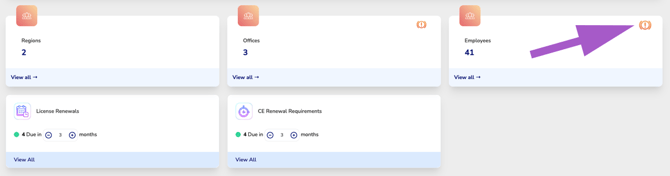
Appears when you have one or more pending connection requests.Select View All to open the Employee Manager, then navigate to the Pending card and select Requests Received. From there, you can review each pending request and choose to Accept or Deny the office connection request.
English