
This popup helps determine how provider approval updates should be handled within CE Zoom. Select the appropriate option based on whether you are correcting an existing approval period or creating a new renewal period. Choosing the correct option helps maintain historical approval records and ensures certificates receive the correct provider statement and logo based on approval dates.
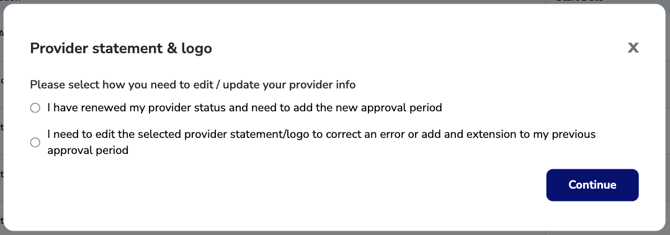
Select I need to edit the selected provider statement: This option is for correcting an error in the selected provider statement/logo or for adding an extension to your previously approved period. Do not use this option for a new renewal period. If you have received a new renewal, you should select the other option " I have renewed my provider status and need to add a new approval period". (How to renew my provider status)
Select "I Have Renewed My Provider Status": This option is for when you have renewed your provider status and need to add a new approval period. It is important to maintain separate records for each renewal rather than editing previous approval periods to adjust dates. The system references each renewal period individually to ensure the correct logo and approval statement are applied to certificates issued during that timeframe