Choose the Link Type
-
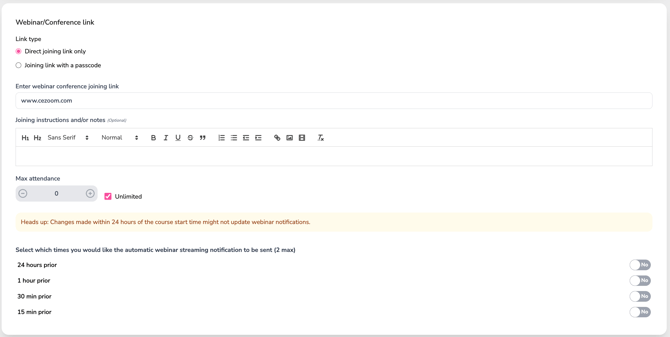
Select “Direct joining link only” if attendees can join without a passcode and enter the webinar conference join link.

-
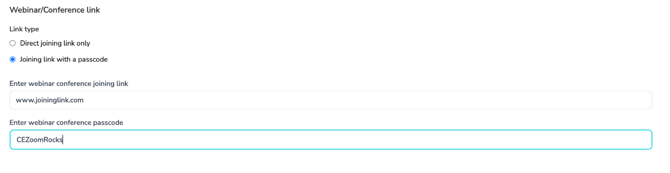
Select “Joining link with a passcode” if the attendee needs a passcode and enter the webinar conference join link and passcode.
Add Optional Joining Instructions
Use the text editor to provide any additional information attendees may need, such as:

-
-
How to log in
-
What to expect
-
Troubleshooting tips
-
Set Maximum Attendance
-
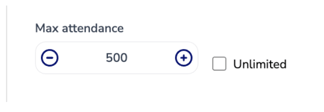
Use the plus (+) or minus (–) buttons to set a maximum number of virtual attendees (default is 500).
-
Or, check the Unlimited box to allow unlimited virtual participants.
-
This setting is enforced during registration. Once the maximum number is reached, registration will close, and the virtual event will display as sold out.
-
If you are offering the course both in person and virtually, this limit applies only to the virtual event. In-person attendance is managed separately through venue capacity.
Schedule Automatic Webinar Reminders

You can select up to two notification times to automatically remind registered attendees of the upcoming webinar.
CE Zoom will automatically send webinar reminder notifications to each registered attendee based on the times you select. These notifications help ensure participants receive timely access reminders before the event begins.
Toggle Yes or No for each available option:
-
24 hours prior – A reminder sent one day before the webinar
-
1 hour prior – A reminder sent one hour before the webinar
-
30 minutes prior – A reminder sent shortly before the event begins
-
15 minutes prior – A final reminder just before start time
Heads up: Changes made within 24 hours of the course start time may not update already scheduled webinar notifications.
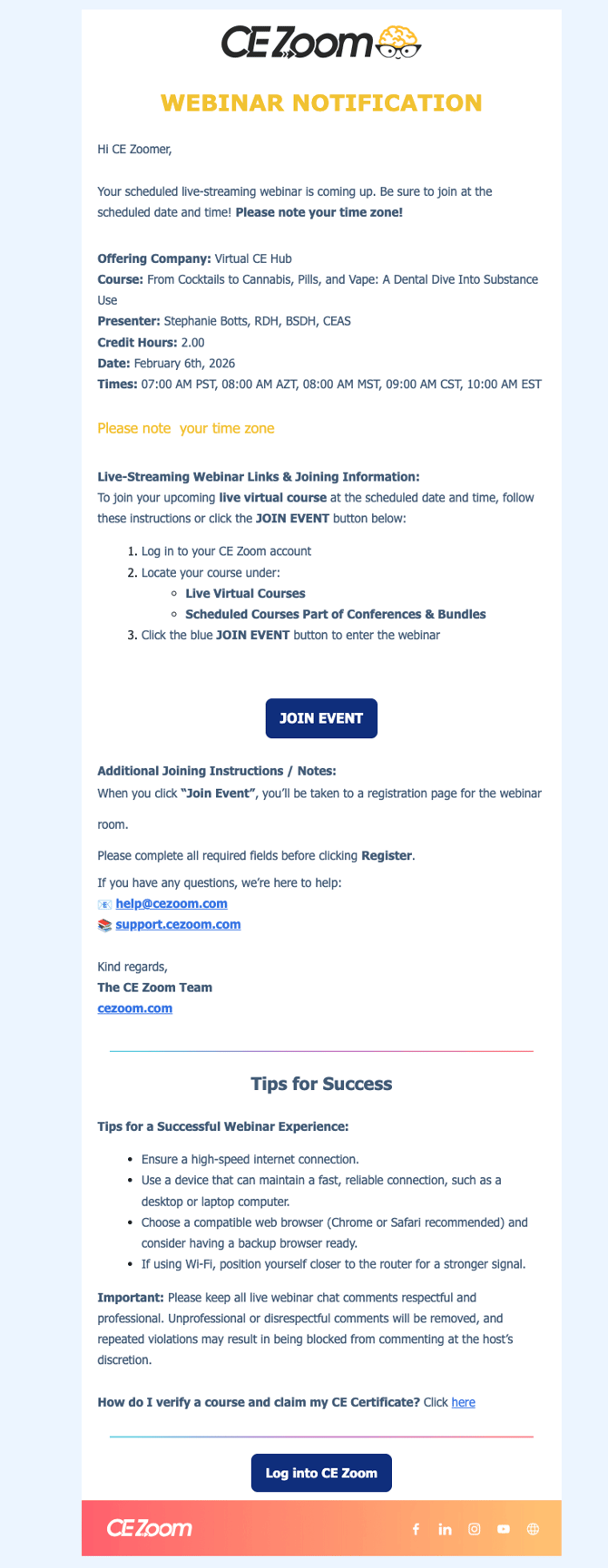
Sample Webinar Notification
Please note: This is a sample notification. The final webinar notification template may be updated and may vary slightly from what is shown here.