
Use the Survey Manager to create structured course evaluations that attendees complete during the verification process. Surveys help demonstrate educational quality, support accreditation standards, and provide valuable feedback for future improvements.
Course Evaluation Setup
Use this section to assign a course evaluation survey that attendees will complete after your course.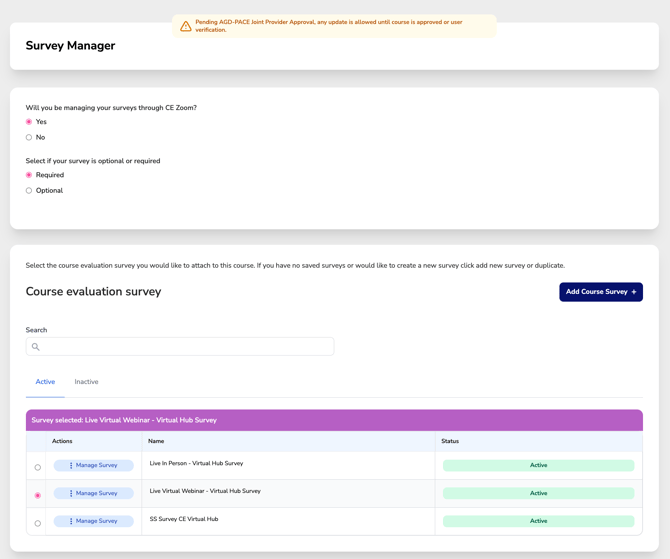
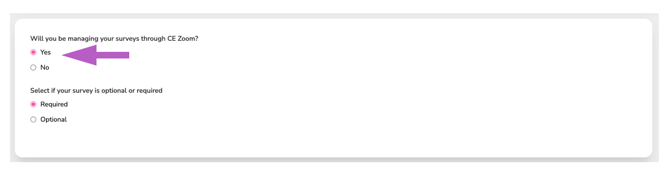
Will you be managing your surveys through CE Zoom?
-
-
Select Yes to attach an evaluation survey directly within the CE Zoom platform.
-
Select No if you are not using CE Zoom for survey management (external or no survey).
-
Survey Requirement:
-
-
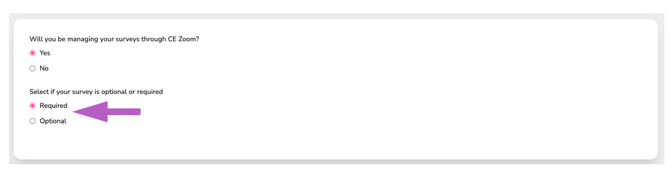
Choose if the survey is Required (participants must complete it to receive CE credit) or Optional (can be skipped).
-
The default setting is Required.
-
Selecting a Survey:
-
-
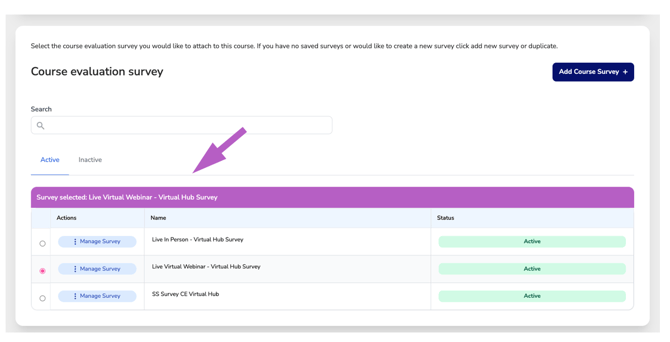
Use the radio buttons to choose from your existing active surveys.
-
Once selected, the survey name appears in the purple bar, confirming your selection.
-
Add or Manage a Survey:
-
-
Click “Add Course Survey +” to create a new survey from scratch or duplicate an existing one.
-
Use the “Manage Survey” button to view, edit, or change status.
-
Search & Status Filter:
-
-
Use the search bar to quickly locate a survey by name.
-
By default, only Active surveys are displayed.
-
Click the Inactive tab to view inactive surveys — these can still be selected and assigned if needed.
-