
This section allows you to define which attendee registration categories your course will support. The categories selected here determine how participants are grouped during registration and directly populate the pricing table (if applicable) for category-based registration settings.
By selecting the appropriate professional categories, you ensure accurate registration tracking, proper reporting, and clear organization of attendees. These selections also control how the course appears to eligible professionals during the registration process.
Carefully review and select all applicable categories to align with your course audience and intended participants.
Registration - Basic Info - Attendees
Select all the registration categories that apply to your course. These categories help define who the event is intended for and allow you to set customized pricing for each attendee type during the pricing setup.
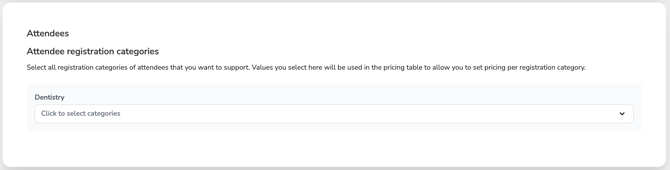
You can click the dropdown to add or remove categories at any time before finalizing your course setup.
💡If an attendee registration category you need is not listed, please contact us at help@cezoom.com — we’ll be happy to add it for you.