
By default, the system automatically applies the country and industry settings from your Company’s My Account → Country & Industries preferences.
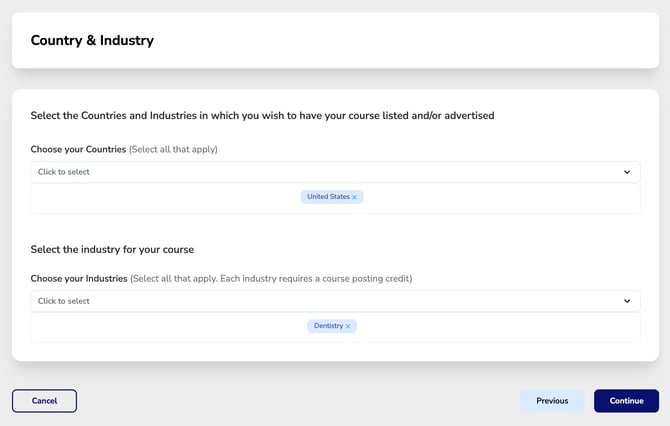
If you would like your course to be available to additional countries or industries, you can select them using the dropdown menus.
⚠️ Important: Each industry selected will use one course posting credit.
Once your selections are complete, click Continue to proceed.