
Release Date
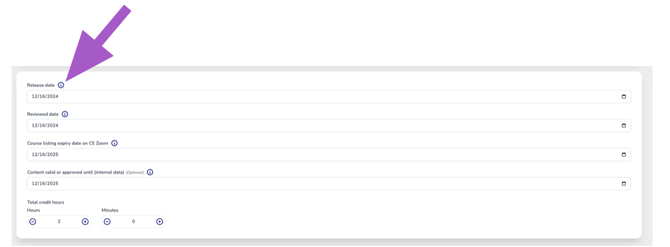
The date the course was originally first released as a self-study course — meaning when it was completed, approved, and made available for learners for the very first time.
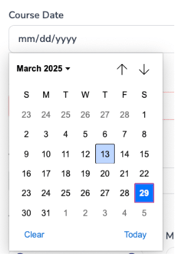
- Select the release date using the calendar picker. ⚠️ Future dates are not allowed, as self-study courses must be fully completed and ready for access before they can be published.
Review Date
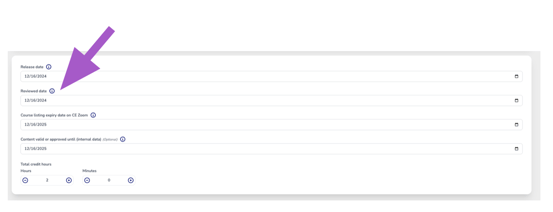
The date the course was reviewed to confirm that all content is current and valid or has been updated. ⚠️ If this is a new release, enter the release date.
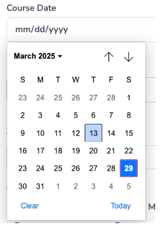
- Select the release date using the calendar picker.
Course Listing Expiry Date
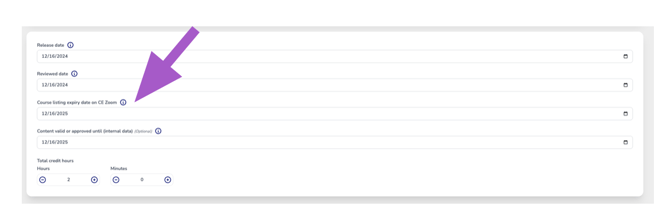
By default, the system sets the expiry date to one year and 14 days (379 days) from the date the course is added to CE Zoom (this is the date you first added the course into the system).
You may choose an earlier expiry date if you prefer the course to expire sooner than the default.
This date isn’t about approval timelines or how long the course can be sold — it just marks the one-year listing period for your course on CE Zoom.
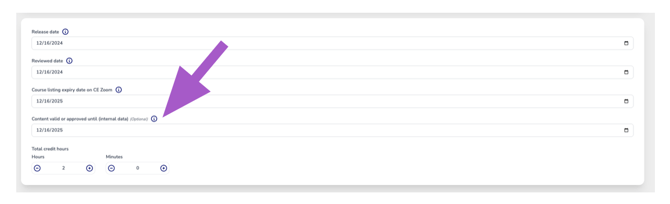
Course Valid or Approval Dates
This date is for your internal records and shows how long the course content remains valid. It usually matches the end of your approval period or the date when the content must be reviewed or renewed under your regulatory body’s requirements.
Total Credit Hours
Enter the total continuing education (CE) credit hours awarded for this Self-Study course.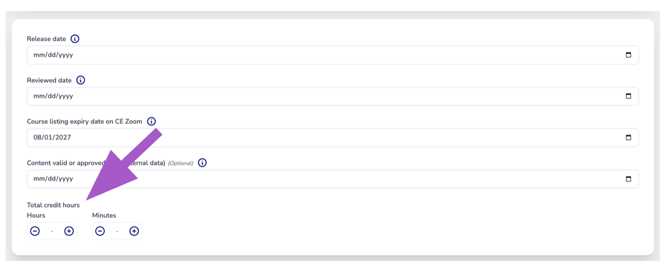
- Use the ➕ plus and ➖ minus buttons to adjust the hours and minutes.
- You can also click inside the number fields and type in the time manually.