If your course or event is sponsored, you’ll want to properly acknowledge your sponsor by displaying their name, logo, or image as part of your promotional materials. The Course Wizard Sponsorship feature allows you to easily add and showcase sponsor branding, ensuring accurate recognition and professional presentation.
Sponsor Information
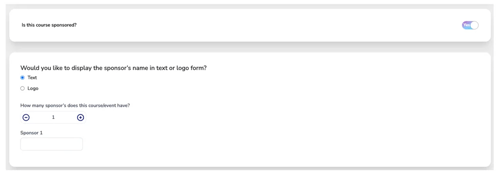
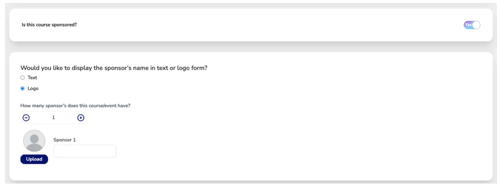
Use this section to indicate if the course is being sponsored and how you'd like to present the sponsor's information.
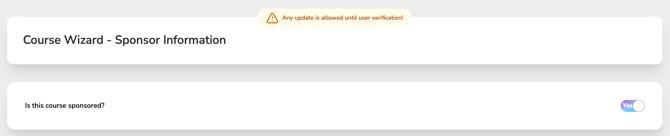
- Is this course sponsored?
The toggle is set to “No” by default.
Switch to “Yes” if you want to include sponsor information.
- Display Options:
Text – Only displays the name of the sponsor(s) as entered in the input field.
Logo – Allows you to upload the sponsor’s logo image and include their name (ideal for marketing or branding).