Deleting a Course Certificate on CE Zoom
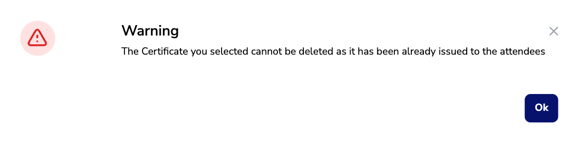
⚠️ Important: If a CE certificate has been verified against a course, it cannot be deleted.
- If the certificate has NOT been used – You may proceed with deletion.
- If the certificate HAS been verified against – It can only be inactivated, preventing further use while keeping records intact.
- If a certificate is no longer accurate, create a new one and attach it to future courses.
- Log in to your CE Zoom company account (www.cezoom.com)
- Two access points to access a CE Certificate
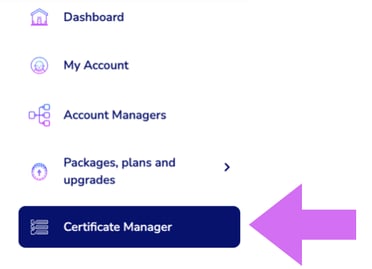
- From the Navigation Menu, click on Certificate Manager
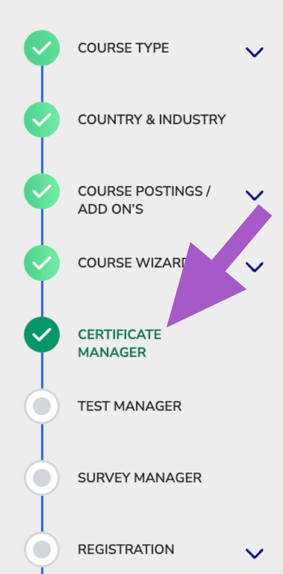
- From inside the course wizard, navigate to the Certificate Manager step
- From the Navigation Menu, click on Certificate Manager
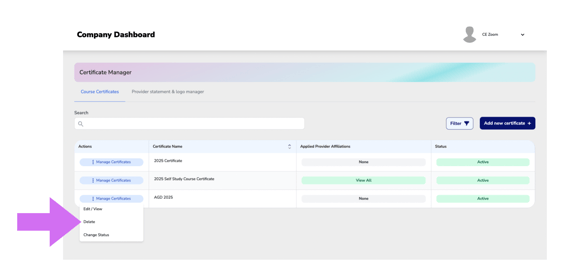
- From the Course Certificate Manager, locate the certificate you want to delete.
- Click Manage Certificate to expand the dropdown menu.
- Select Delete
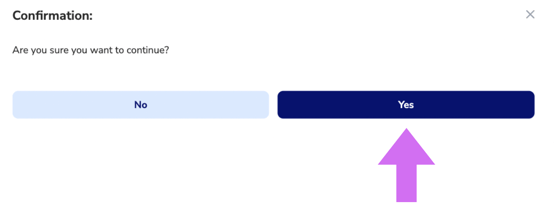
- Click Yes
- If you are unable to delete the selected certificate, you will receive this warning.