How to change the status of a Course Certificate in CE Zoom
- Log into your CE Zoom company account (www.cezoom.com)
- Two access points to access a CE Certificate
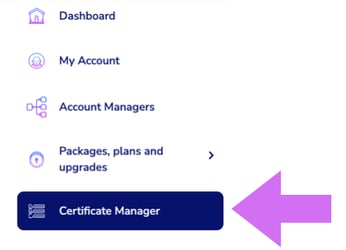
- From the Navigation Menu click on Certificate Manager
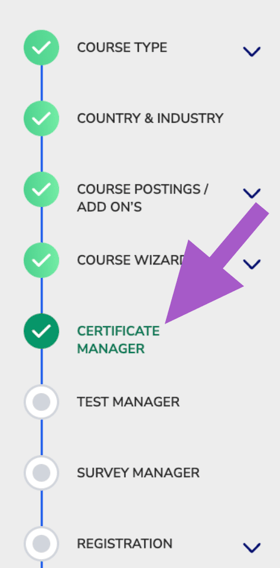
- From inside the course wizard, navigate to the Certificate Manager step
- From the Navigation Menu click on Certificate Manager
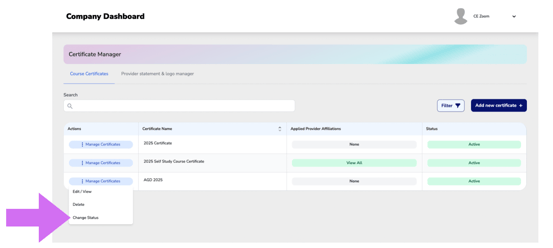
- From the Course Certificate Manager, locate the certificate you want to update.
- Click Manage Certificate to expand the dropdown menu.
- Select Change Status
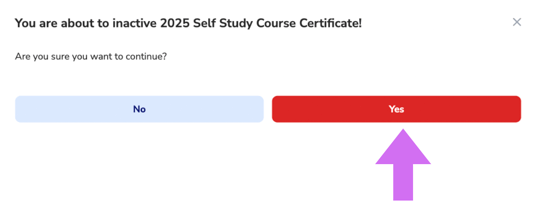
- Click Yes