
Notes
The Notes section provides a place to document additional information related to your continuing education record. It includes two types of notes:
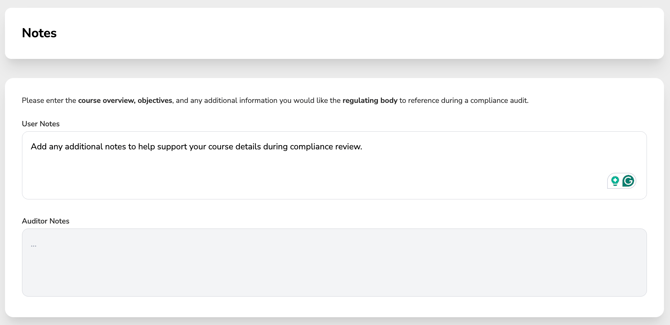
User Notes, where you can record your own comments, reminders, or supporting information.
In this step, you can add important details related to the CE Activity. We recommend including:
-
-
- The course overview
- The learning objectives
- Any additional notes you would like a Regulatory Body to utilize in their review if this CE record is ever audited.
-
Auditor Notes, which are reserved for comments added by a licensing auditor during a compliance review or audit.
-
The Auditor Notes section is a read-only field, meaning you cannot add or edit anything in this section. This is where you will see notes added by the regulatory board if your record is audited or reviewed.
If a record has a note—whether added by you (in the Notes section) or by the regulatory board—a Notes icon will appear next to the record to alert you. This lets you know there’s important information to review.

Adding this information helps ensure your record is complete and audit-ready.
Once finished, click Finish. Your CE certificate will now be stored under My Certificates.