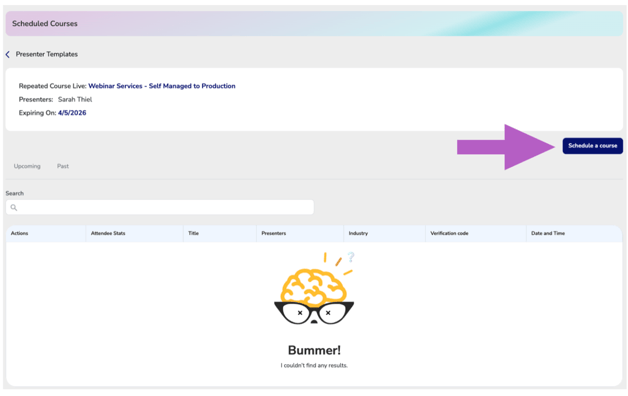
Use this section to create a single scheduled offering of your repeated course. Dates are created independently for each presenter and accessed through the Presenter Template area. From there, you will set the course date and time, configure registration settings, and finalize the session for attendee registration. Each scheduled offering remains linked to both the Master Repeated Course and the associated presenter.
Already created your course? To quickly add multiple scheduled dates at once, click here to view the Bulk Scheduling guide.
Click Schedule a Course
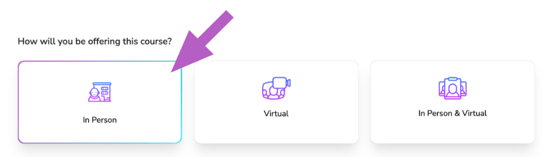
Course Method - How is the course being offered?
Select the course delivery method:
In Person – For courses held at a physical location.
Virtual – Live, online courses where participants engage in real-time through a video platform—just like an in-person class but conducted remotely.
In Person & Virtual – A hybrid format where the course is available both at a physical location and as a live, interactive virtual session. Attendees can choose how they prefer to participate.