Building Your Survey
Comment Box Question
Comment Box questions allow attendees to provide written feedback in their own words. Use this question type when you want to collect open-ended responses, suggestions, comments, or detailed feedback that cannot be captured through predefined answer choices.
Question
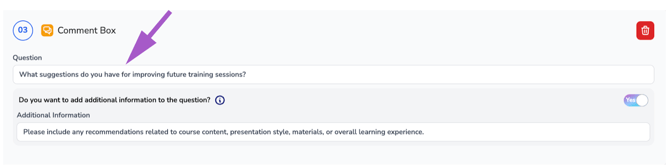
Enter your question in the Question field.
This is the question attendees will see and respond to when completing the survey. Because attendees will enter their own response, answer choices are not required for Comment Box questions.
Example:
What suggestions do you have for improving future training sessions?
Additional Information (Optional)
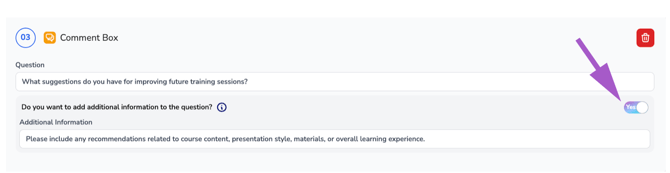
If additional guidance is needed, toggle yes to the Additional Information option.
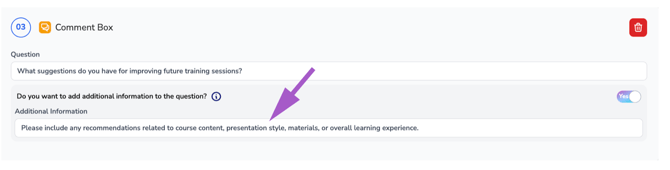
When enabled, an additional input field will appear where you can provide instructions, context, or clarification that will be displayed beneath the question to help attendees provide more meaningful responses.
Example Additional Information:
Please include any recommendations related to course content, presentation style, materials, or overall learning experience.
Remove the Question
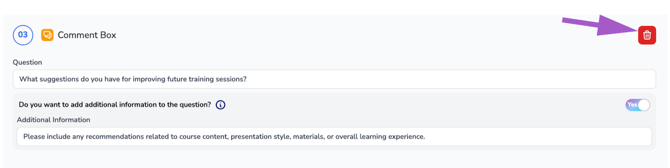
To remove the entire question, click the Trash icon located in the upper-right corner of the question panel.
Warning: Deleting a question permanently removes the question and any associated additional information from the survey.